

I have helped many new players through the account creation process at golisimocazinou, and I understand that a clear guide eliminates unnecessary hassle. Registering an account provides access to the complete game library, live dealer tables, and bonus offers, but the platform also enforces strict identity checks. In this guide I will detail every step, from the initial form to document verification, and I will demonstrate how to secure your login credentials so your funds and personal data remain safe from the beginning.
What You Need Before You Start
I always advise collecting a few items before you visit the registration page. You will have to have a valid email address, a Romanian mobile phone number, and your personal numeric code (CNP). Because Golisimo Casino functions under a Romanian gambling license, the CNP is required for age and identity verification. You should also have your residential address details handy and, optimally, a clear photo or scanned copy of your identity card. A stable internet connection avoids timeouts while the form processes your data.
Understanding the Authentication Process
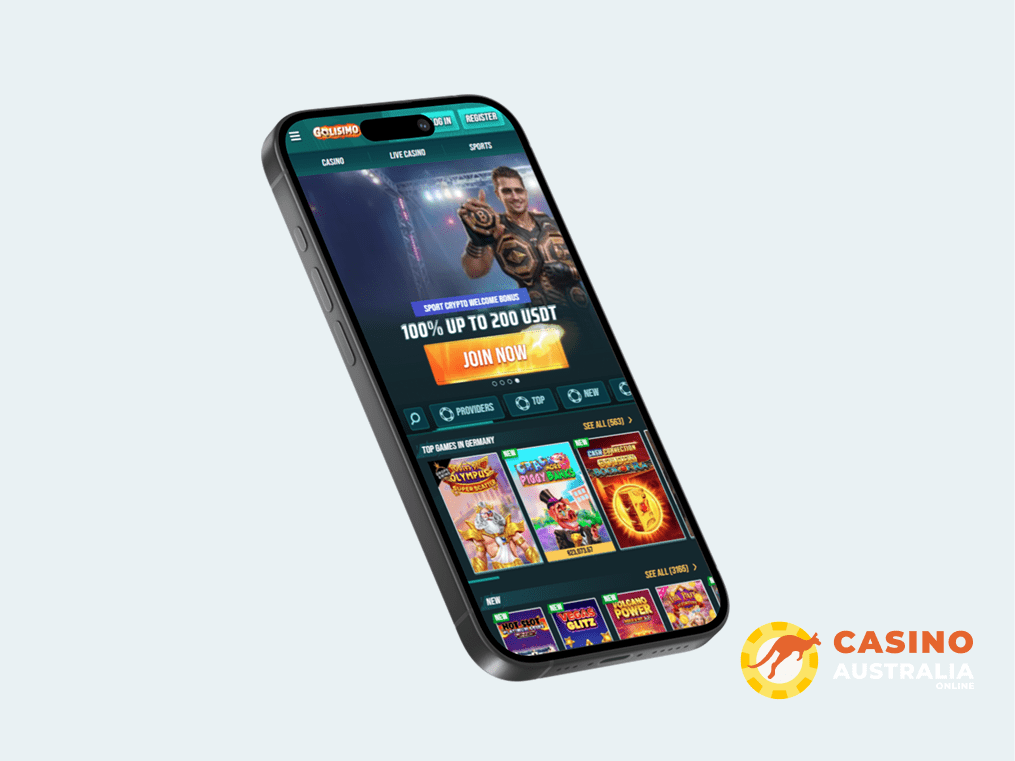
Romanian gambling regulations demand licensed operators like Golisimo Casino to perform Know Your Customer (KYC) checks. I view this as a security measure that safeguards both the player and the platform. Verification confirms your identity, age, and address, and it must be completed before you can cash out any winnings. I advise starting the document upload immediately after registration so your account becomes fully operational without delays.
Submitting Identity Documents
I provide a clear, colour image of the front and back of my Romanian identity card. The system accepts JPEG, PNG, and PDF files, and I ensure the file size under 10 MB. I verify the document is not expired and that all four corners are visible. Blurry photos or cropped edges often cause rejection, so I use natural daylight and a flat surface when I snap the pictures.
Proof of Address Confirmation
For the address check I upload a recent utility bill, a bank statement, or an official government letter. The document must be dated within the last three months and display my full name and the exact address I submitted during registration. I have used a digital electricity bill downloaded from my provider’s portal, and it was validated because it showed all required details clearly.
Verification Timeline and Subsequent Steps
Once I submit the documents, the compliance team typically checks them within 24 hours, though during peak periods it can take up to 48 hours. I receive an email notification when the verification is done. If something is incomplete or unclear, the email explains the issue and I can upload again. I also check the verification status directly in my account dashboard under the settings menu.
Resolving Frequent Registration Problems
Even when I stick to every instruction thoroughly, periodic technical hiccups can occur. I have come across a few recurring issues that new users describe, and most have straightforward fixes. I maintain the support contact information accessible, but I first test the solutions below because they resolve the vast majority of registration blocks without needing to wait for a response.
CNP Validation Errors
If the form declines my CNP, I confirm that I typed exactly 13 digits without spaces, dashes, or leading zeros that do not belong. The checksum algorithm compares the number against the national registry, so a mismatch often means I mixed up two digits. I match the entry with my physical identity card and type again the sequence character by character until the error resolves.
Mail Verification Not Received
When the verification email does not show up in my inbox, I first look in the spam or junk folder. I then pause about five minutes, because sometimes mail servers introduce a slight delay. I also check that the email address I entered has no typos. If the message still does not show up, I click the “Resend verification email” link on the login page or reach support through live chat.
Duplicate Account Detection
Golisimo Casino allows only one account per person, linked to a unique CNP and email address. If I try to register again, the system blocks the submission and displays a duplicate account warning. Instead of setting up a new profile, I use the password recovery function. If I think the block is an error, I get in touch to customer support with my ID details so they can look into.
Detailed Account Creation Guide
I consider that the registration form at Golisimo Casino is well structured, but every field matters. Below I break the process into distinct stages so you can advance through each one without second-guessing what information belongs where. Be thorough and double-check entries before proceeding; a small typo in your name or CNP can delay verification later.
Accessing the Registration Page
When you visit the official Golisimo Casino website, locate the login area at the top of the screen. I always select the button called “Register” or “Sign Up,” which sits next to the login fields. The system then sends you to the account creation form. I advise against using saved browser autofill for sensitive fields because it sometimes enters outdated or incorrect data that triggers validation errors on submission.
Completing the Registration Form
The form is divided into several sections that collect personal, contact, and address information. I will walk you through each block so you understand exactly what the platform expects. Accuracy here directly impacts how smoothly your verification proceeds, so I view every field as essential, even the ones that might seem optional at first glance.
Personal Details Fields
You are required to enter your legal first name and last name just as they appear on your identity card. The date of birth field uses a calendar picker, and I confirm that the year is correct because it affects your eligibility. You then select your gender and input your 13-digit CNP. The system verifies the CNP checksum in real time, so I always compare the number against my physical ID before moving forward.
Login and Login Credentials
I give an email address that I actively monitor because the verification link and important account notices will come there. The phone number field uses the Romanian format starting with 07. Next, I set up a unique username and a strong password. I choose a password with at least eight characters, mixing uppercase, lowercase, digits, and a special symbol. I never reuse passwords from other services.
Residence and Additional Details
The address section asks for your street, number, city, county, and postal code. I select the county from a dropdown that includes all Romanian administrative divisions. This address must match the proof of residence document you will upload later. I avoid abbreviations and write the full street name to prevent mismatches that could mark your account for manual review.
Agreeing to Terms and Finalizing
Before I submit the form, I select the mandatory checkboxes confirming that I am over 18, that I agree to the terms and conditions, and that I accept the privacy policy. I also consent to the processing of my personal data for verification purposes. I always take a moment to read the key points of the terms, especially the sections on withdrawal policies and bonus wagering. Then I click “Create Account.”
Protecting Your New Account
I view account security as an ongoing commitment, not a once-off step. Golisimo Casino protects all data in transit with SSL, but the strength of my own login habits dictates how safe my balance really is. I promptly set up additional protections after my first login because a compromised account can lead to illegal transactions that are hard to reverse.
Enabling Two-Factor Authentication
I turn on two-factor authentication (2FA) from the security settings panel. The platform supplies at least one second-factor method, and I prefer using an authenticator app, but SMS is also an option. Activating 2FA signifies that even if someone obtains my password, they cannot log in without the time-sensitive code generated on my personal device.

Enabling SMS Authentication
I type my mobile number in the 2FA setup screen and prompt a verification code. Within seconds I obtain an SMS containing a six-digit code, which I enter into the confirmation field. After that, every login attempt initiates a new code sent to my phone. I hold my SIM card protected with a PIN and never reveal the SMS codes with anyone, including anyone posing to be support staff.
Overseeing Login Credentials Safely
I never write my password on sticky notes or pass it over chat. I employ a reputable password manager to create and keep unique credentials, and I log out after each session, especially on shared or public devices. I also steer clear of accessing my casino account over unsecured public Wi‑Fi networks because they can reveal login data to eavesdroppers.
Steps to Take After Your Account Is Approved
Once my account is verified and safe, I complete my first deposit using a accepted payment method and claim the available welcome offer. I also access the responsible gambling tools section to set deposit limits, loss limits, and session time reminders. I discover that establishing these controls early enables me keep a balanced approach and keeps the entertainment experience enjoyable and within my planned budget.